


Why Is My Phone Not Charging? 10 Fixes to Try
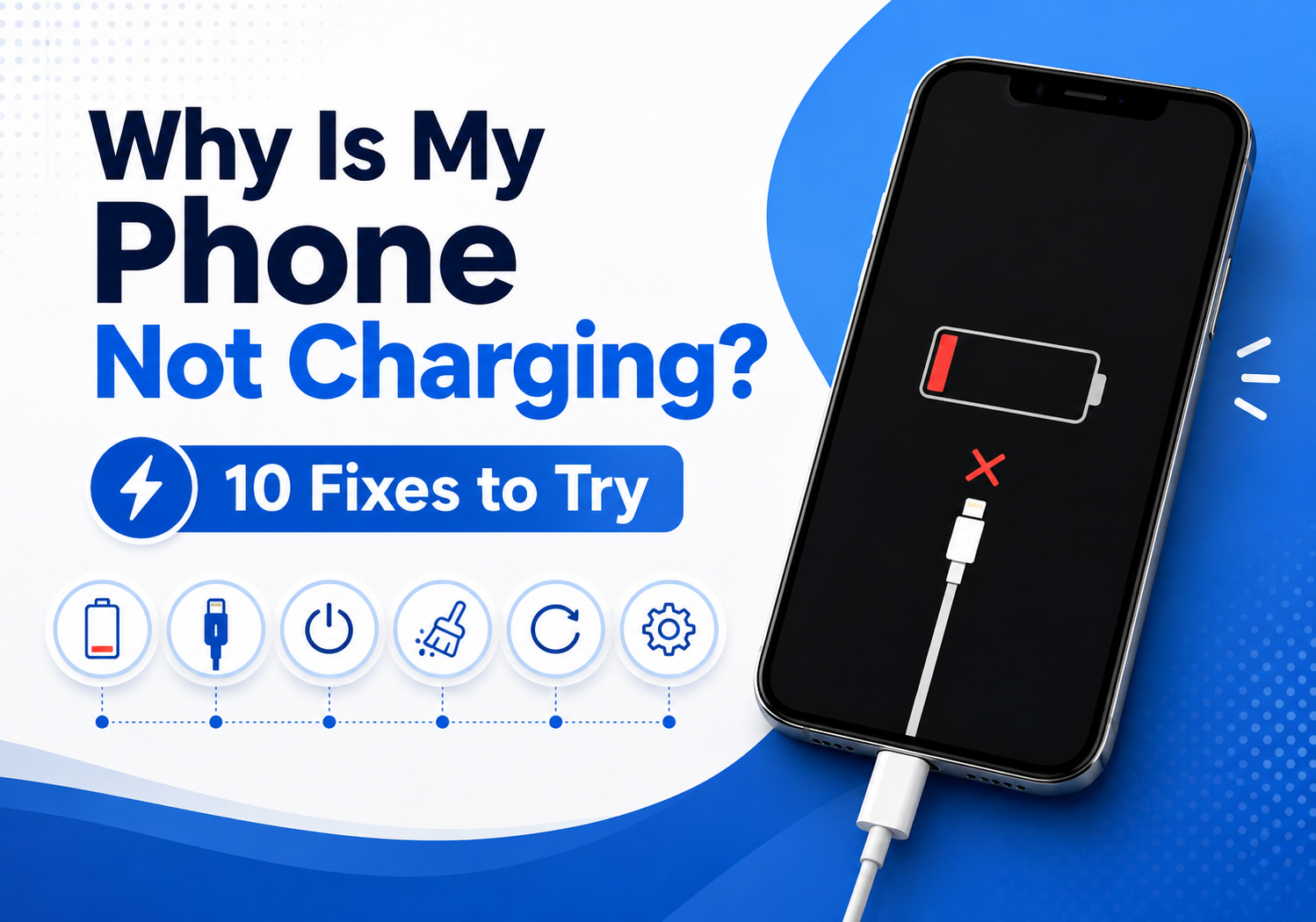
Why is my phone not charging — এই problem almost every smartphone user একবার হলেও face করেন। আপনি charger connect করার পরেও যদি battery percentage না বাড়ে, charging icon না আসে, charging speed খুব slow হয়, অথবা phone বারবার charging disconnect করে, তাহলে এর পেছনে hardware বা software-related কারণ থাকতে পারে।
বর্তমানে smartphone আমাদের daily life-এর সবচেয়ে important device। Work, communication, online shopping, banking, entertainment—সবকিছুর জন্য phone battery essential। তাই phone charging problem হলে দ্রুত solution বের করা জরুরি।
এই complete Bangla-English troubleshooting guide-এ আমরা জানবো why won’t my phone charge, phone not charging-এর common reasons, এবং 10 practical fixes যা আপনি নিজেই try করতে পারেন।
Why Is My Phone Not Charging? Quick Answer
Why is my phone not charging এর main কারণ হতে পারে:
- Damaged charging cable
- Faulty charger adapter
- Dirty charging port
- Software glitch
- Battery health problem
- Power outlet issue
- Water damage
- Broken charging port
- Unsupported charger
- Battery failure
অনেক সময় simple cleaning বা cable replacement দিয়েই charging problem solve হয়ে যায়। কিন্তু যদি hardware damage থাকে, professional repair প্রয়োজন হতে পারে।
Common Reasons: Why Won’t My Phone Charge?
1. Damaged Charging Cable
Phone charging problem-এর সবচেয়ে common কারণ হলো damaged cable।
Charging cable-এর ভিতরের wire break হলে:
- Charging disconnect হতে পারে
- Charging speed কমে যেতে পারে
- Battery percentage increase নাও করতে পারে
অনেক সময় বাইরে থেকে cable ভালো দেখালেও ভিতরের damage থাকতে পারে।
Solution:
একটি original বা certified charging cable দিয়ে test করুন।
2. Faulty Charger Adapter
শুধু cable না, charger adapter-ও problem তৈরি করতে পারে।
Signs:
- Charger গরম হয়ে যাওয়া
- Charging slow হওয়া
- Fast charging কাজ না করা
- বারবার disconnect হওয়া
Low-quality charger ব্যবহার করলে battery এবং charging circuit damage হওয়ার risk থাকে।
3. Dirty Charging Port
Charging port cleaning guide follow করা phone charging problem fix করার অন্যতম সহজ উপায়।
Phone-এর charging port-এ জমে থাকা:
- Dust
- Pocket lint
- Dirt
- Moisture
charging connection block করতে পারে।
Solution:
- Phone বন্ধ করুন
- Soft brush ব্যবহার করুন
- Wooden toothpick দিয়ে carefully clean করুন
- Metal object ব্যবহার করবেন না
4. Software Problem
অনেক সময় hardware ঠিক থাকলেও software glitch-এর কারণে charging issue হতে পারে।
Possible causes:
- Failed update
- Background process
- System bug
- Battery calibration problem
Fix:
- Phone restart করুন
- Software update check করুন
- Battery calibration করুন
10 Fixes: How to Fix Phone Not Charging
Fix 1: Restart Your Phone
Simple restart অনেক temporary charging problem solve করতে পারে।
Restart করলে:
- Background errors clear হয়
- System refresh হয়
- Charging detection reset হয়
প্রথমে phone restart করে আবার charger connect করুন।
Fix 2: Check Charging Cable and Adapter
একটি different charger দিয়ে test করুন।
Check করুন:
- Cable damage আছে কিনা
- Adapter কাজ করছে কিনা
- Original charger কিনা
- অন্য outlet-এ কাজ করছে কিনা
যদি অন্য charger দিয়ে charging হয়, তাহলে old charger replace করুন।
Fix 3: Clean Charging Port Safely
Dirty charging port-এর কারণে অনেক phone charge নেয় না।
Cleaning steps:
- Phone power off করুন
- Charger remove করুন
- Bright light দিয়ে port check করুন
- Soft brush দিয়ে clean করুন
- আবার charger connect করুন
Regular cleaning charging connection improve করতে পারে।
Fix 4: Try Different Power Source
অনেক সময় phone-এর সমস্যা না, power source-এর সমস্যা হয়।
Test করুন:
- Different wall socket
- Laptop USB port
- Power bank
- Another charging station
যদি অন্য জায়গায় charge হয়, তাহলে electrical outlet problem হতে পারে।
Fix 5: Check for Water or Moisture Damage
Phone charging port-এ moisture থাকলে অনেক smartphone charging বন্ধ করে দেয়।
বিশেষ করে:
- Rain exposure
- Water splash
- Humidity
এর পরে charging issue দেখা দিতে পারে।
Solution:
- Phone dry হতে দিন
- Immediately charger connect করবেন না
- Heat দিয়ে dry করার চেষ্টা করবেন না
Fix 6: Update Your Phone Software
Old software charging management affect করতে পারে।
Update করুন:
- Operating system
- Security patch
- Manufacturer update
New updates অনেক সময় battery management improve করে।
Fix 7: Check Battery Health
পুরনো battery charging problem তৈরি করতে পারে।
Battery issue-এর signs:
- Battery দ্রুত শেষ হয়
- Percentage jump করে
- Phone shutdown হয়
- Charging slow হয়
iPhone user battery health check করতে পারেন:
Settings → Battery → Battery Health
Android user device অনুযায়ী battery diagnostic option দেখতে পারেন।
Fix 8: Disable Fast Charging Temporarily
কখনো fast charging feature-এর কারণে compatibility issue হতে পারে।
Try করুন:
- Normal charger ব্যবহার
- Different cable ব্যবহার
- Fast charging option disable করা
যদি normal charging কাজ করে, তাহলে charger compatibility issue হতে পারে।
Fix 9: Update or Reset Charging Accessories
Modern chargers এবং cables-এর compatibility গুরুত্বপূর্ণ।
Check করুন:
- USB-C cable quality
- Lightning cable certification
- Charger watt support
Wrong wattage charger ব্যবহার করলে fast charging কাজ নাও করতে পারে।
Fix 10: Professional Repair
যদি সব solution try করার পরেও phone charge না হয়, তাহলে hardware problem হতে পারে।
Possible issues:
- Damaged charging port
- Broken charging IC
- Battery failure
- Internal circuit damage
এই ক্ষেত্রে professional technician-এর সাহায্য নেওয়া ভালো।
iPhone Not Charging Solution
iPhone not charging solution খুঁজলে প্রথমে check করুন:
- Lightning/USB-C cable
- Charging port
- iOS update
- Battery health
- Optimized Battery Charging settings
Common iPhone fixes:
- Force restart
- Clean charging port
- Use Apple-certified cable
- Try another adapter
- Update iOS
Android Phone Not Charging Fix
Android phone not charging fix করার জন্য:
- Different USB cable try করুন
- Safe mode test করুন
- Charging port clean করুন
- Battery optimization check করুন
- Software update করুন
Samsung, Xiaomi, OnePlus, Google Pixel—প্রতিটি brand-এর charging system কিছুটা different হতে পারে।
Phone Charging Slowly Fix
Phone charge হচ্ছে কিন্তু খুব slow হলে:
Reasons:
- Weak charger
- Damaged cable
- Background apps
- High temperature
- Battery aging
Solutions:
- Original charger ব্যবহার করুন
- Background apps বন্ধ করুন
- Phone cool রাখুন
- Fast charger support check করুন
Best Phone Charging Tips
Phone battery healthy রাখতে:
Use Original Accessories
Cheap charger battery damage করতে পারে।
Avoid Extreme Temperature
খুব গরম বা ঠান্ডা environment battery performance affect করে।
Do Not Always Use 0% Battery
Battery completely drain না করে charge করা better।
Remove Heavy Apps
Background apps battery consumption বাড়ায়।
Keep Charging Port Clean
Regular cleaning connection improve করে।
Final Verdict: Fix Your Phone Charging Problem
Why is my phone not charging — এর solution সবসময় complicated নয়। অনেক charging problem simple fixes দিয়ে solve করা যায়।
Start with:
- Check cable
- Change charger
- Clean charging port
- Restart phone
- Update software
যদি সমস্যা continue করে, battery বা charging hardware check করা প্রয়োজন।
Quality charger, proper charging habits এবং regular maintenance আপনার smartphone battery life বাড়াতে সাহায্য করবে।
Smartphone শুধু expensive device না; proper care করলে এটি দীর্ঘ সময় reliable performance দিতে পারে।
FAQ: Why Is My Phone Not Charging?
Why is my phone not charging?
Phone may not charge because of a damaged cable, faulty adapter, dirty charging port, software issue, battery problem or hardware damage.
How do I fix my phone that won’t charge?
Try restarting your phone, changing the charger, cleaning the charging port, checking software updates and testing another power source.
Why is my phone charging slowly?
Slow charging can happen because of a weak charger, damaged cable, background apps, overheating or battery aging.
Why does my phone show charging but battery is not increasing?
This can happen because of a weak power supply, damaged cable, battery issue or software error.
Can a damaged charging port be repaired?
Yes, charging ports can often be repaired or replaced by professional technicians.
How do I clean my phone charging port?
Use a soft brush or compressed air. Avoid metal objects because they can damage the port.
Why is my fast charger not working?
Fast charging may fail because of incompatible cable, charger wattage issue, software settings or battery temperature.
Should I replace my phone battery?
If battery health is poor, phone shuts down frequently, or charging performance is very low, battery replacement may help.